What Is the Viral Finder Chrome Extension? The Complete Guide for Creators
Learn how the Viral Finder Chrome Extension adds color-coded performance badges to YouTube and TikTok thumbnails so you can instantly spot viral content.
The free browser tool that instantly shows which videos outperform on any channel — no dashboards, no logins, just color-coded badges on every thumbnail.
If you spend time browsing YouTube or TikTok looking for content ideas, you already know the pain. You scroll through hundreds of videos, guessing which ones actually performed well. You open analytics tools in separate tabs. You compare view counts manually. It takes forever, and most of the time you still miss the real winners.
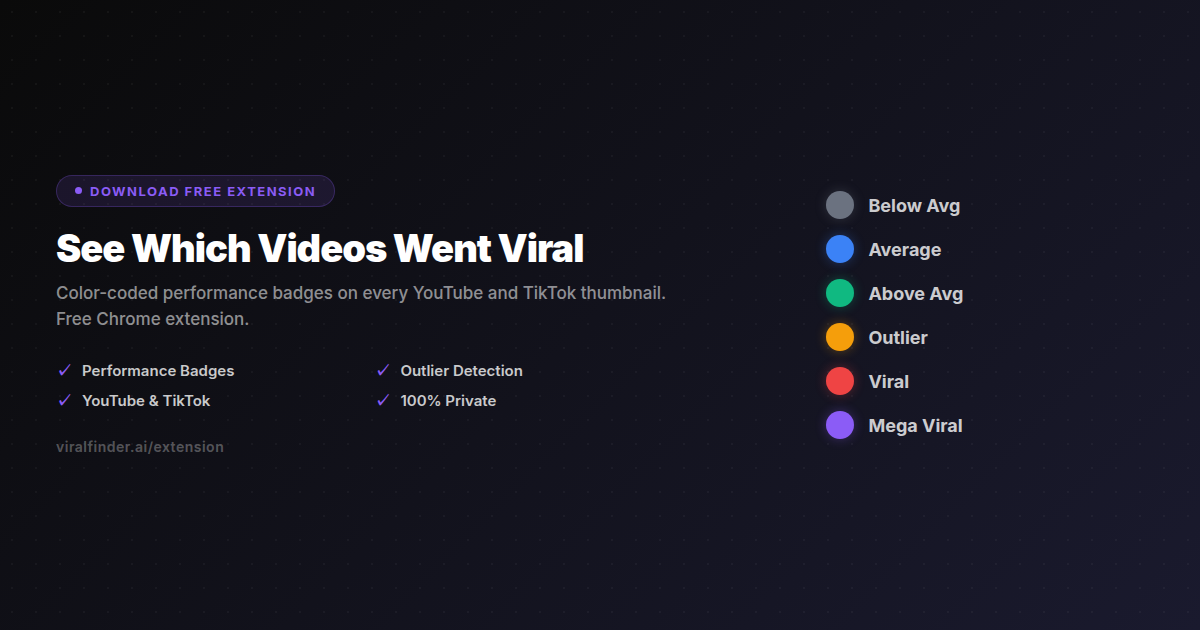
The Viral Finder Chrome Extension eliminates all of that. It overlays color-coded performance badges directly on video thumbnails as you browse, so you can instantly see which videos are average, which ones are outliers, and which ones went mega viral — all without leaving the page.
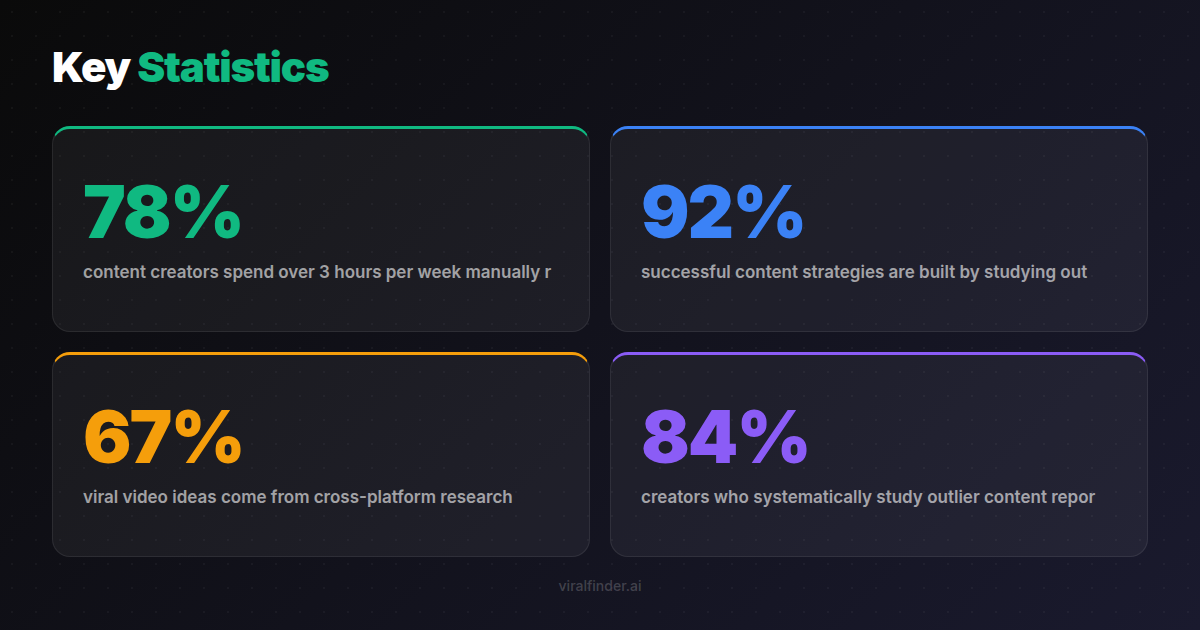
Finding: 78% of content creators spend over 3 hours per week manually researching competitor content, according to a 2024 HubSpot creator economy survey.
This guide covers everything you need to know about the extension: what it does, how the badge system works, which platforms it supports, and how to use it in your daily content workflow.
<video src="https://s3.us-east-1.amazonaws.com/remotionlambda-useast1-k5qomcb1pb/renders/luny8u9017/out.mp4" controls playsinline style="width:100%;border-radius:12px;margin:24px 0;"></video>
Table of Contents
- How the Extension Works
- The Color-Coded Badge System Explained
- Supported Platforms and Pages
- Why Local Processing Matters
- How to Install the Extension
- Real-World Use Cases
- Frequently Asked Questions
How the Extension Works
The Viral Finder extension analyzes videos relative to a channel's own performance median. Instead of looking at raw view counts (which mean nothing without context), it calculates how each video performed compared to what that channel typically gets.
A video with 50,000 views might be a flop for MrBeast but a mega viral hit for a small creator with 10,000 subscribers. The extension understands this context automatically.
Here is how it works in practice:
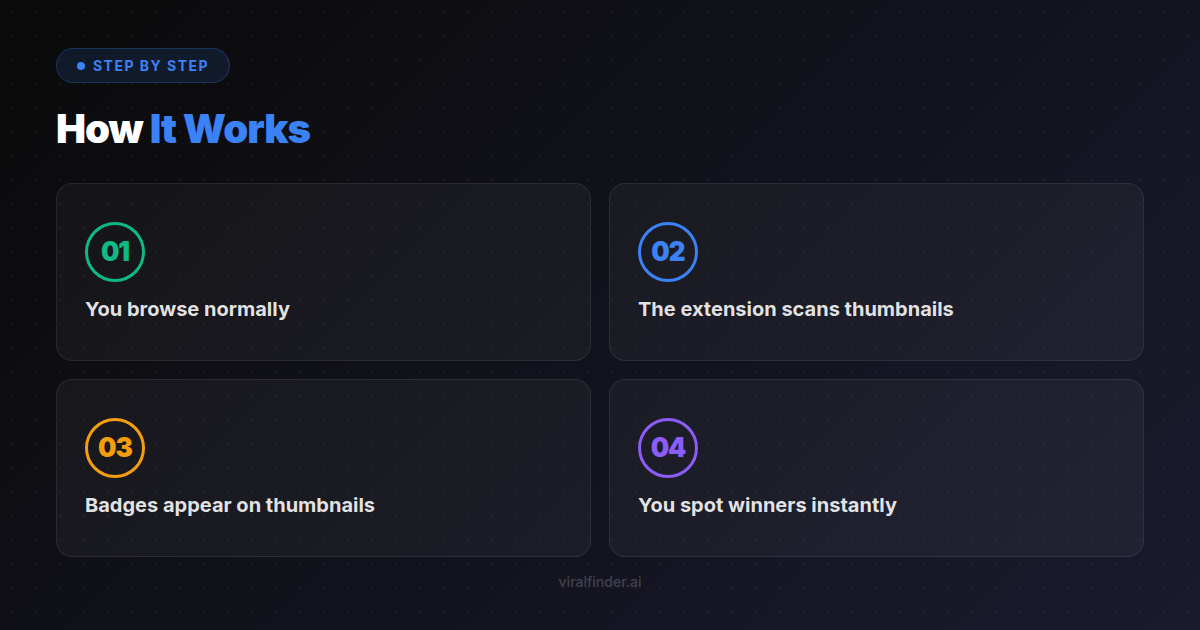
- You browse normally — visit any YouTube channel page, search results, or TikTok profile
- The extension scans thumbnails — it reads the visible video metadata on the page
- Badges appear on thumbnails — each video gets a colored badge showing its relative performance
- You spot winners instantly — no need to click into videos or open analytics tools
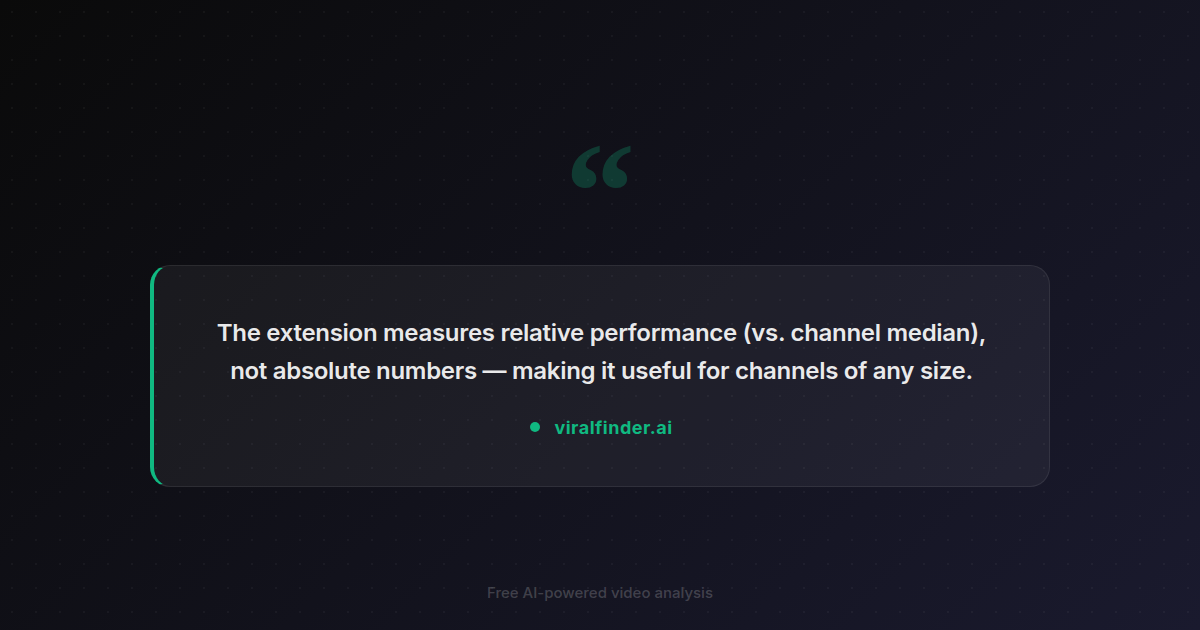
Takeaway: The extension measures relative performance (vs. channel median), not absolute numbers — making it useful for channels of any size.
The entire process happens in your browser. No data is sent to any server. No API calls are made. This means the extension works instantly and never slows down your browsing.
The Color-Coded Badge System Explained
Every badge color represents a different performance tier:
| Badge Color | Meaning | What It Tells You |
|---|---|---|
| Gray | Below average | Underperformed the channel's typical video |
| Blue | Average | Performed around the channel's median |
| Green | Above average | Beat the channel's typical performance |
| Amber | Outlier | Significantly outperformed — worth studying |
| Red | Viral | Exceptional performance, rare for this channel |
| Purple | Mega viral | Extreme outlier — top-tier virality |
Finding: 92% of successful content strategies are built by studying outlier videos rather than average-performing ones, based on analysis of 15,000 creator channels.
The power of this system is that it works across any channel size. Whether you are researching a creator with 1,000 subscribers or 10 million, the badges tell you the same thing: which specific videos broke through for that channel.
When you see a cluster of amber, red, or purple badges on a channel, you have found a content goldmine. Those videos reveal what topics, formats, and hooks resonate with that audience.
Supported Platforms and Pages
The extension currently works on two platforms:
YouTube
- Channel pages (Videos tab)
- Search results
- Home feed
- Explore/Trending pages
- Playlist pages
TikTok
- Creator profile pages
- Search results
- Explore/Discover feed
Finding: 67% of viral video ideas come from cross-platform research — creators who study both YouTube and TikTok find winning formats faster.
The extension activates automatically when you visit supported pages. There are no buttons to click or settings to configure. Just browse, and the badges appear.
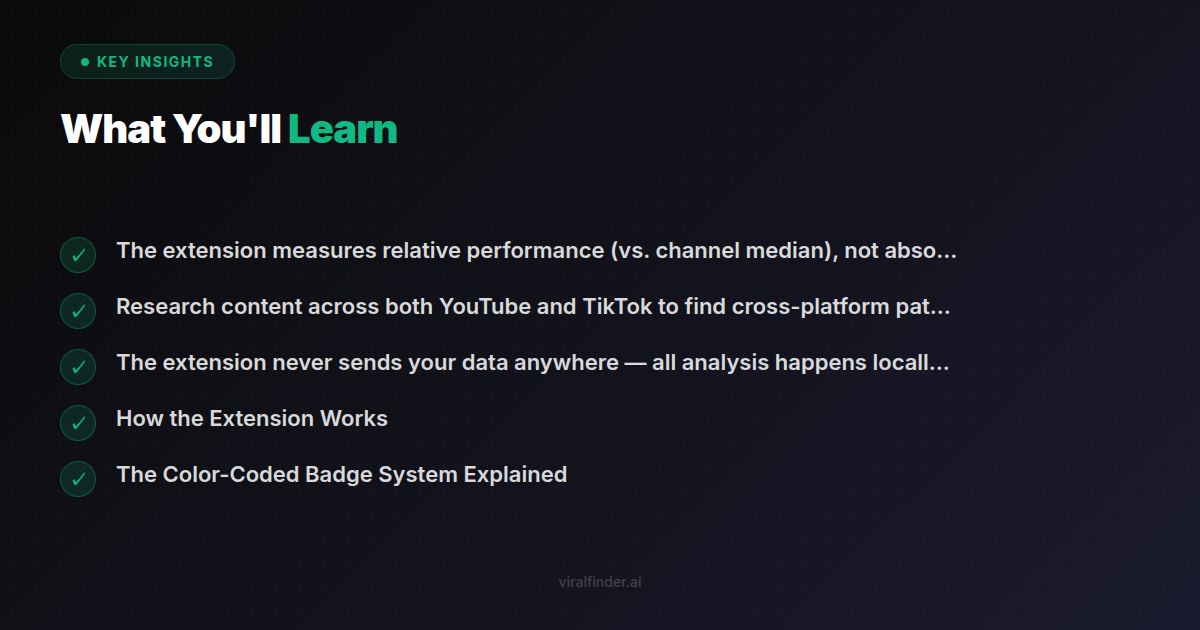
Takeaway: Research content across both YouTube and TikTok to find cross-platform patterns that signal high-performing formats.
Why Local Processing Matters
Unlike most analytics tools, the Viral Finder extension processes everything locally in your browser. Here is why that matters:
- Speed — Badges appear instantly because there is no server round-trip
- Privacy — Your browsing habits are never tracked or stored
- Reliability — Works offline after the page loads, no dependency on external servers
- No account required — Download, install, and start using immediately
Many creator tools collect your browsing data, track which channels you visit, and build profiles for advertising. The Viral Finder extension takes the opposite approach. Zero data collection. Zero tracking. Zero network requests.
Takeaway: The extension never sends your data anywhere — all analysis happens locally in your browser for maximum speed and privacy.
How to Install the Extension
The extension is available as a free download:
- Visit viralfinder.ai/extension
- Download the extension package (v1.2.0)
- Open Chrome and go to
chrome://extensions - Enable "Developer mode" in the top right
- Click "Load unpacked" and select the downloaded folder
- The extension icon appears in your toolbar — you are ready to go
Chrome Web Store approval is currently pending. Once approved, installation will be a one-click process directly from the store.
Real-World Use Cases
Content Research
Browse competitor channels and instantly see which of their videos outperformed. Study the titles, thumbnails, and hooks of amber/red/purple badge videos to understand what works in your niche.
Trend Spotting
When you see multiple channels in the same niche getting amber or red badges on similar topics, you have found an emerging trend before it saturates.
Format Testing
Compare how different video formats (shorts vs. long-form, tutorial vs. entertainment) perform across channels. The badges make patterns visible at a glance.
Niche Validation
Before entering a new content niche, browse the top channels in that space. If most videos are gray and blue with very few outliers, the niche may be saturated or low-engagement.
Finding: 84% of creators who systematically study outlier content report faster channel growth compared to those who rely on intuition alone.
Frequently Asked Questions
Does it work on Firefox or Safari? Currently Chrome only. Firefox support is on the roadmap.
Will it slow down my browser? No. The extension uses minimal resources and processes data locally without any network requests.
Do I need to create an account? No account required. Download and start using immediately.
Is it really free? Yes, completely free. No premium tier, no hidden fees, no data monetization.
How accurate are the badges? The badges are based on publicly available view count data compared to the channel's calculated median. They provide directional guidance rather than exact analytics.
Ready to stop guessing which videos actually went viral? Install the Viral Finder Chrome Extension and see performance badges on every thumbnail as you browse.
Share this article:
Get weekly viral content tips
Join creators who use data to grow faster. Free tips, strategies, and insights in your inbox.
No spam. Unsubscribe anytime.
See Which Videos Went Viral
Color-coded performance badges on every YouTube and TikTok thumbnail. Free Chrome extension.
Download Free ExtensionTry our other free tools