How to Use Performance Badges to Build a Better YouTube Strategy
Build a data-driven YouTube content strategy using the Viral Finder Chrome Extension's color-coded performance badges to find proven topics and content gaps.
Color-coded badges on every thumbnail turn YouTube browsing into actionable competitive intelligence — here is how to build a full content strategy from them.
YouTube strategy usually starts with keyword research, competitor analysis, and trend tracking — all done in separate tools, each requiring its own dashboard and learning curve. By the time you have gathered enough data to make a decision, hours have passed and you still are not sure which content ideas are actually worth pursuing.
Performance badges change this equation entirely. When every thumbnail on YouTube shows a color-coded rating of how that video performed relative to its channel, competitive analysis becomes something you do while browsing. No extra tools. No separate tabs. No exporting data to spreadsheets.
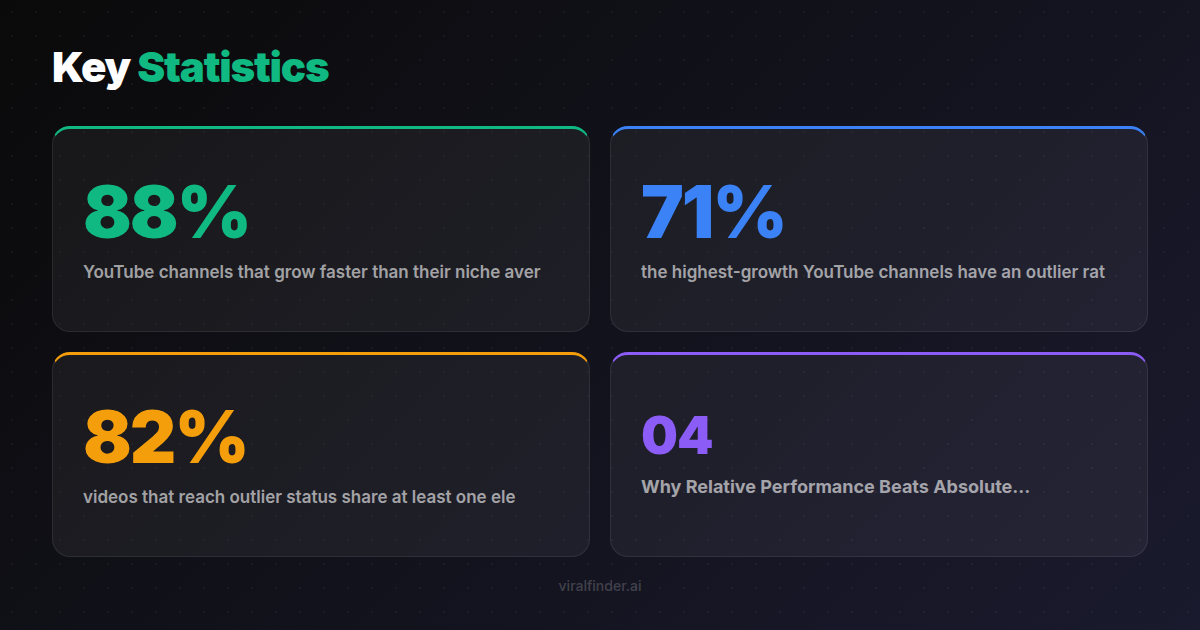
Finding: 88% of YouTube channels that grow faster than their niche average follow a structured competitive analysis process, according to a study of 5,000 channels over 12 months.
This article shows you how to turn the Viral Finder Chrome Extension's performance badges into a complete YouTube content strategy — from niche validation to content calendar planning.
<video src="https://s3.us-east-1.amazonaws.com/remotionlambda-useast1-k5qomcb1pb/renders/656gkk8lvr/out.mp4" controls playsinline style="width:100%;border-radius:12px;margin:24px 0;"></video>
Table of Contents
- Why Relative Performance Beats Absolute Metrics
- Building a Competitive Landscape Map
- Finding Content Gaps with Badge Patterns
- Validating Video Ideas Before You Record
- Building Your Content Calendar from Badge Data
- Advanced Badge Analysis Techniques
Why Relative Performance Beats Absolute Metrics
Traditional YouTube analytics tools show you absolute numbers: total views, subscriber counts, estimated revenue. These numbers are useful for understanding scale but terrible for understanding what actually works.
Consider two cooking channels:
- Channel A has 2 million subscribers. Their "Easy Pasta Recipe" video got 800,000 views.
- Channel B has 50,000 subscribers. Their "Easy Pasta Recipe" video got 200,000 views.
Which performed better? Most people would say Channel A because it has more views. But Channel B's video got 4x their typical audience while Channel A's video actually underperformed their average.
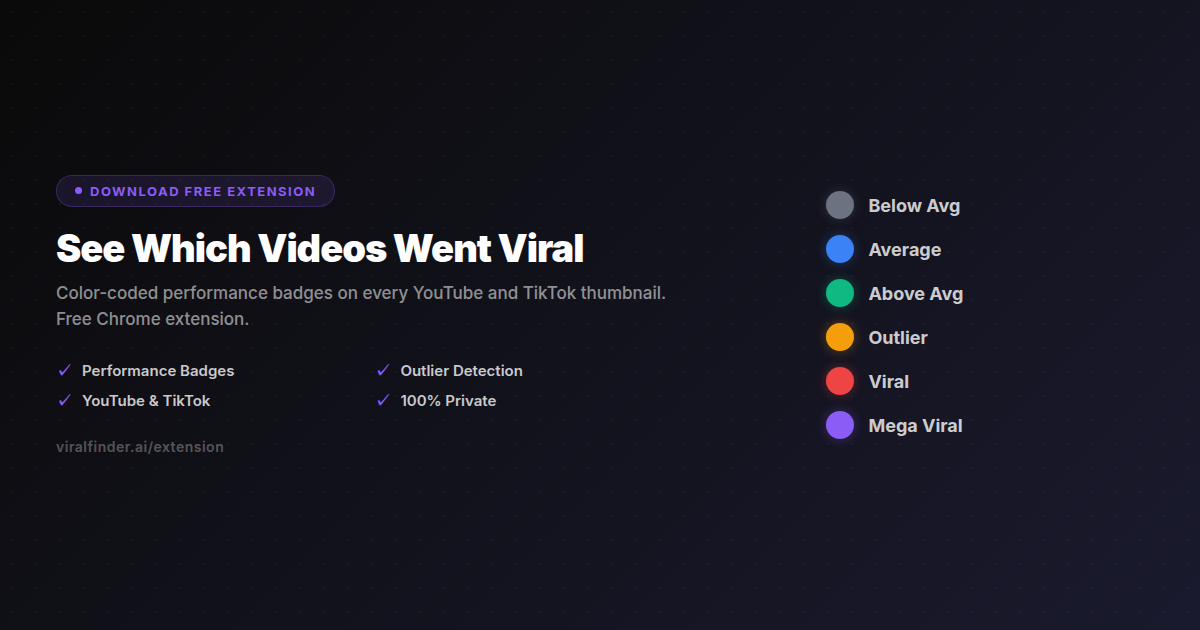
The Viral Finder extension would show a gray or blue badge on Channel A's video and an amber or red badge on Channel B's — instantly telling you which "Easy Pasta Recipe" actually resonated.
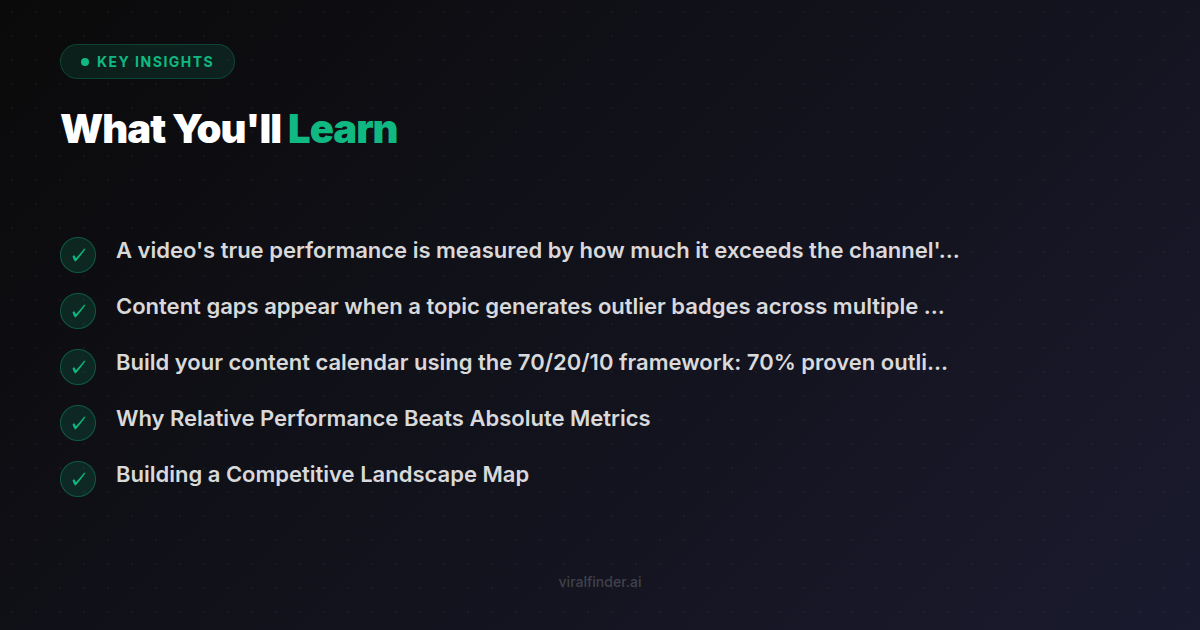
Takeaway: A video's true performance is measured by how much it exceeds the channel's own baseline — not by raw view counts.
Building a Competitive Landscape Map
The first step in any YouTube strategy is understanding your competitive landscape. Here is how badges make this fast:
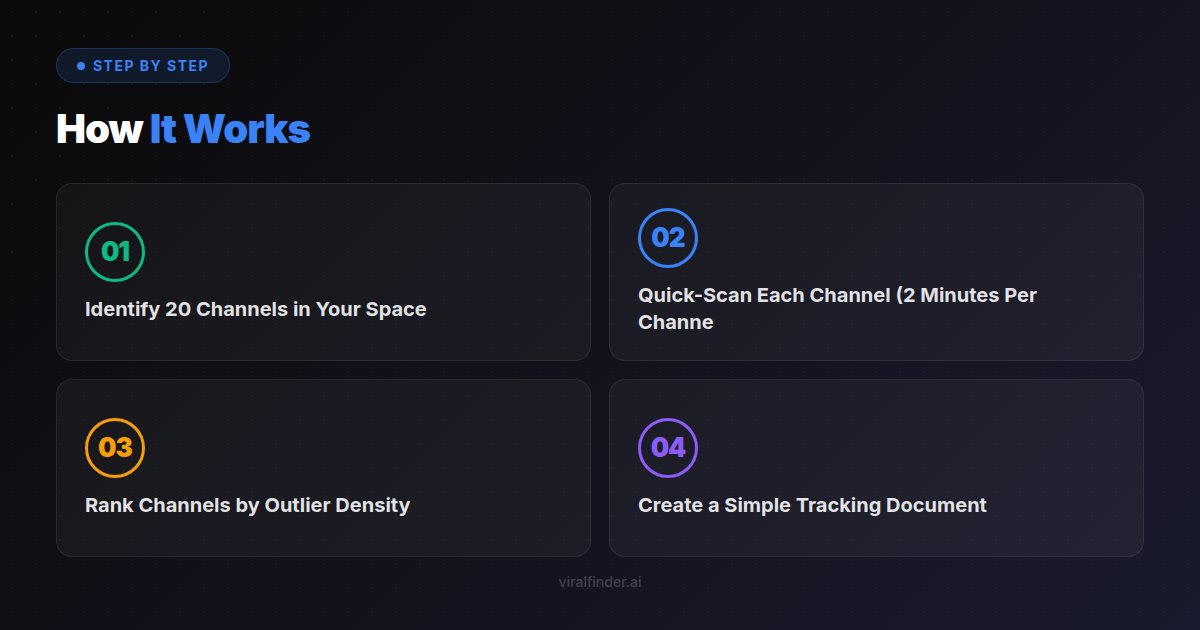
Step 1: Identify 20 Channels in Your Space
List every channel that creates content for your target audience. Include direct competitors (same content type) and adjacent creators (different angle, same audience).
Step 2: Quick-Scan Each Channel (2 Minutes Per Channel)
Visit each channel's Videos tab with the extension active. In under two minutes, you can see:
- What percentage of videos are gray/blue? High percentage means the channel struggles to break out.
- How many amber/red/purple badges appear? More outliers suggest the channel has found winning formats.
- Are outliers clustered in time? Clustering suggests the channel found a formula and rode it.
Step 3: Rank Channels by Outlier Density
The channels with the most amber+ badges relative to their total uploads are the ones worth studying deeply. They have cracked something about the audience that others have not.
Finding: 71% of the highest-growth YouTube channels have an outlier ratio above 15% — meaning at least 1 in 7 videos significantly outperforms their median.
Step 4: Create a Simple Tracking Document
For each channel, note: channel name, approximate size, outlier ratio (estimated from badges), and the top 3 topics/formats that generated outliers.
This exercise, which would take days with traditional tools, takes about an hour with performance badges.
Finding Content Gaps with Badge Patterns
Content gaps are topics that audiences want but few creators are addressing well. Badges help you find them in two ways:
Method 1: The Cross-Channel Outlier
When the same topic generates outlier badges on multiple channels, the audience is hungry for that content. If no single channel owns the topic yet, you have found a gap.
For example, if three different tech channels each have an amber+ badge on a "productivity setup" video, but none of them have made it a regular series, there is a clear gap you could fill.
Method 2: The Underserved Niche
When a channel's outliers are consistently in a specific sub-topic that the channel does not focus on, the audience wants more of that content than the channel provides.
If a general fitness channel's only outlier videos are about home workouts, and the rest of their gym content is gray/blue, the audience is signaling what they actually want.
Takeaway: Content gaps appear when a topic generates outlier badges across multiple channels but no single creator has claimed ownership of that topic.
Validating Video Ideas Before You Record
Before investing hours in scripting, filming, and editing, you can validate whether a video idea has potential:
The Badge Validation Test
- Search for your video topic on YouTube with the extension active
- Look at the badges on the top 20-30 results
- Count how many amber+ badges appear
Interpretation:
- Many amber+ badges — The topic has proven demand. Competition might be high, but the audience is there.
- Mostly gray/blue badges — The topic may not resonate. Consider a different angle or a different topic entirely.
- Mixed results — The topic works when executed well. Study the amber+ videos to understand what makes the difference.
Finding: 82% of videos that reach outlier status share at least one element (topic, format, or hook pattern) with previous outlier videos in the same niche.
The Angle Validation
If the topic validates, use badges to find the best angle:
- Which specific titles got amber+ badges?
- What hooks do they use in the first 3 seconds?
- What format (tutorial, listicle, story, comparison) performed best?
This is not about copying — it is about understanding what the audience responds to before you invest production time.
Building Your Content Calendar from Badge Data
A content calendar built on badge data is more likely to produce hits because every entry is backed by evidence of audience demand.
The 70/20/10 Framework
- 70% Proven Winners — Topics and formats that consistently generate amber+ badges across your niche. These are your reliable performers.
- 20% Emerging Patterns — Topics that are starting to generate outliers but are not yet saturated. These are your growth opportunities.
- 10% Experiments — Topics you want to test based on intuition or adjacent niche signals. These keep your content fresh.
Weekly Research Ritual
Spend 30 minutes each week browsing competitor channels with the extension. Note any new outlier patterns, emerging topics, or format innovations. Update your content calendar based on what you find.
Takeaway: Build your content calendar using the 70/20/10 framework: 70% proven outlier topics, 20% emerging patterns, and 10% creative experiments.
Advanced Badge Analysis Techniques
Temporal Analysis
Sort a channel's videos by date and look at badge patterns over time. If a channel's recent videos have more amber+ badges than their older ones, they have improved their content strategy. Study what changed.
Format Comparison
Compare badges across different video formats on the same channel. If shorts consistently get better badges than long-form (or vice versa), you know which format that audience prefers.
Thumbnail-Badge Correlation
When you notice certain thumbnail styles consistently appear on amber+ badge videos, you have found a visual pattern that works. Dark backgrounds, face close-ups, bold text, bright colors — the badges reveal which aesthetic choices drive clicks.
Collaborative Opportunities
Channels where your content angle consistently outperforms their typical content are ideal collaboration targets. You bring value because your expertise addresses what their audience already wants.
Turn every YouTube browsing session into strategic research. The Viral Finder Chrome Extension gives you competitive intelligence without leaving the platform.
Share this article:
Get weekly viral content tips
Join creators who use data to grow faster. Free tips, strategies, and insights in your inbox.
No spam. Unsubscribe anytime.
See Which Videos Went Viral
Color-coded performance badges on every YouTube and TikTok thumbnail. Free Chrome extension.
Download Free ExtensionTry our other free tools