AI Tools for Content Creators: Complete Guide 2026
The best AI tools for content creators in 2026. Video analysis, editing, writing, thumbnails, and more. With specific recommendations for every category.
The tools that actually save time and improve your content.
AI for content creators isn't coming. It's here.
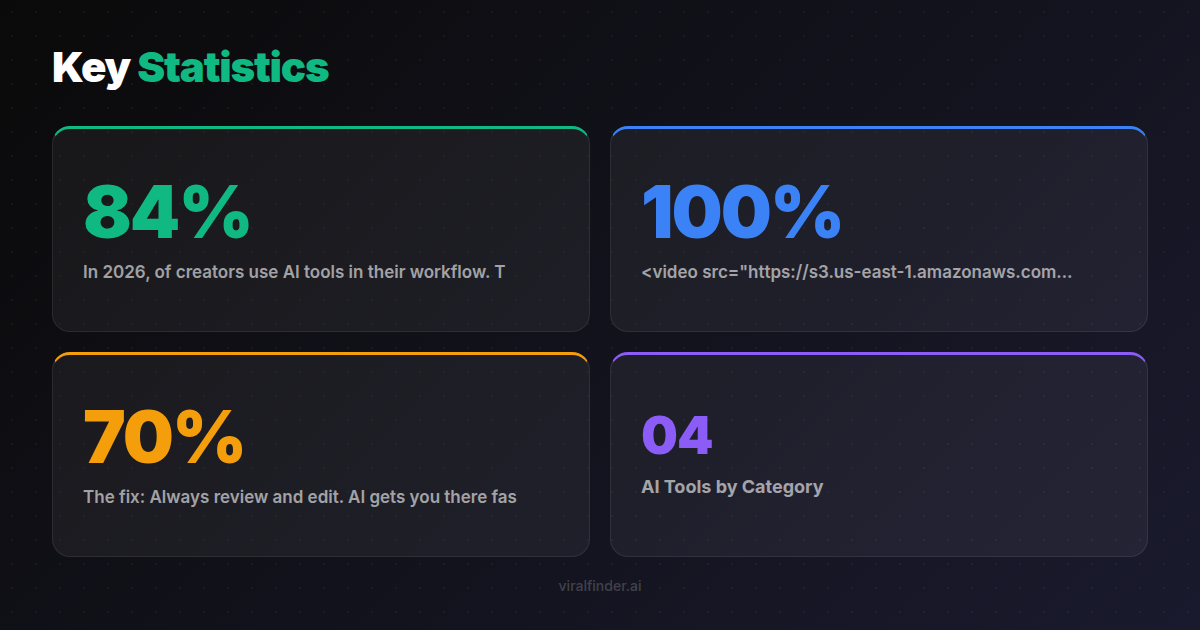
In 2026, 84% of creators use AI tools in their workflow. The ones who don't are falling behind — producing less content, getting fewer insights, and working harder for worse results.
This guide covers every category of AI tool you need to know about, with specific recommendations and use cases.
<video src="https://s3.us-east-1.amazonaws.com/remotionlambda-useast1-k5qomcb1pb/renders/2qfqzwrtr4/out.mp4" controls playsinline style="width:100%;border-radius:12px;margin:24px 0;"></video>
Table of Contents
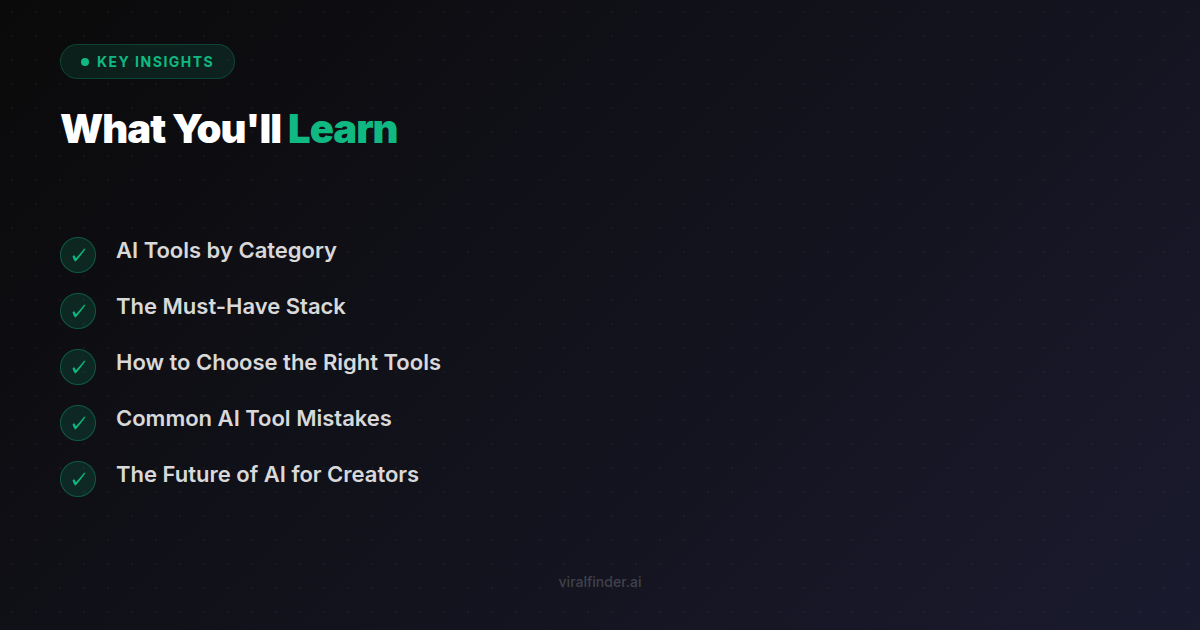
- AI Tools by Category
- The Must-Have Stack
- How to Choose the Right Tools
- Common AI Tool Mistakes
- The Future of AI for Creators
AI Tools by Category {#by-category}
📊 Video Analysis & Optimization
These tools help you understand what's working (and what's not) in your videos.
Viral Finder ⭐ Top Pick
- Analyzes videos before you post
- Predicts viral potential with AI
- Hook analysis, retention prediction
- Specific improvement suggestions
- Free tier available
Best for: Pre-post analysis, understanding why videos succeed or fail, optimizing before publishing
✍️ Scriptwriting & Copywriting
AI tools that help you write better, faster.
ChatGPT / Claude
- Brainstorming ideas
- Writing first drafts
- Rewriting hooks
- Creating variations
Jasper
- Marketing-focused copy
- Templates for social media
- Brand voice consistency
Copy.ai
- Quick social media captions
- Hook generators
- Content repurposing
Best for: Getting past writer's block, generating ideas, creating multiple versions to test
🎬 Video Editing & Creation
AI-powered editing tools that speed up post-production.
CapCut
- Auto captions (highly accurate)
- AI effects and filters
- Background removal
- Free and powerful
Descript
- Edit video by editing text
- Remove filler words automatically
- AI voice cloning
- Transcription included
Runway
- Advanced AI effects
- Background removal
- Color grading
- Motion tracking
InVideo / Pictory
- Turn scripts into videos
- Auto-generate from blog posts
- Stock footage integration
Best for: Faster editing, auto-captions, removing tedious manual work
🎨 Thumbnail & Image Generation
AI tools for creating scroll-stopping visuals.
Midjourney
- Highest quality AI images
- Creative and artistic
- Great for concepts and backgrounds
DALL-E 3
- Integrated with ChatGPT
- Good for specific requests
- Easy to iterate
Canva AI
- Magic Design features
- Thumbnail templates
- Background remover
- All-in-one design
Adobe Firefly
- Professional quality
- Integrates with Adobe suite
- Generative fill
Best for: Thumbnails, cover images, visual concepts, background generation
🎵 Audio & Music
AI tools for audio enhancement and music creation.
Adobe Podcast / Descript
- Enhance audio quality
- Remove background noise
- Studio sound from anywhere
Eleven Labs
- AI voice generation
- Voice cloning
- Multiple languages
Suno / Udio
- Generate custom music
- Copyright-free
- Any genre/style
Best for: Clean audio from bad recordings, custom royalty-free music, voiceovers
📈 Analytics & Insights
AI-powered analytics that tell you what to do, not just what happened.
- Pre-post video analysis
- Hook and retention prediction
- Competitive benchmarking
Sprout Social / Hootsuite
- Cross-platform analytics
- Best time to post
- Audience insights
VidIQ / TubeBuddy (YouTube)
- Keyword research
- Competitor analysis
- Title/thumbnail A/B testing
Best for: Understanding performance, optimizing strategy, competitive research
🤖 AI Assistants & Automation
General-purpose AI to handle various tasks.
ChatGPT Plus / Claude Pro
- Research and summarization
- Content planning
- Problem-solving
- Learning new skills
Zapier / Make
- Connect tools together
- Automate repetitive tasks
- Trigger-based workflows
Notion AI
- Organize content calendar
- Summarize notes
- Write in your workspace
Best for: Saving time on repetitive tasks, research, connecting your tools
🎯 Trend Discovery
AI tools to find what's trending before everyone else.
Exploding Topics
- Emerging trend detection
- Before they peak
- Category filtering
SparkToro
- Audience research
- Where your audience spends time
- What they engage with
TrendTok / Tokboard
- TikTok-specific trends
- Sound tracking
- Hashtag performance
Best for: Staying ahead of trends, finding content opportunities, audience research
The Must-Have Stack {#must-have-stack}
If you're just starting with AI tools, here's the essential stack:
Tier 1: Start Here
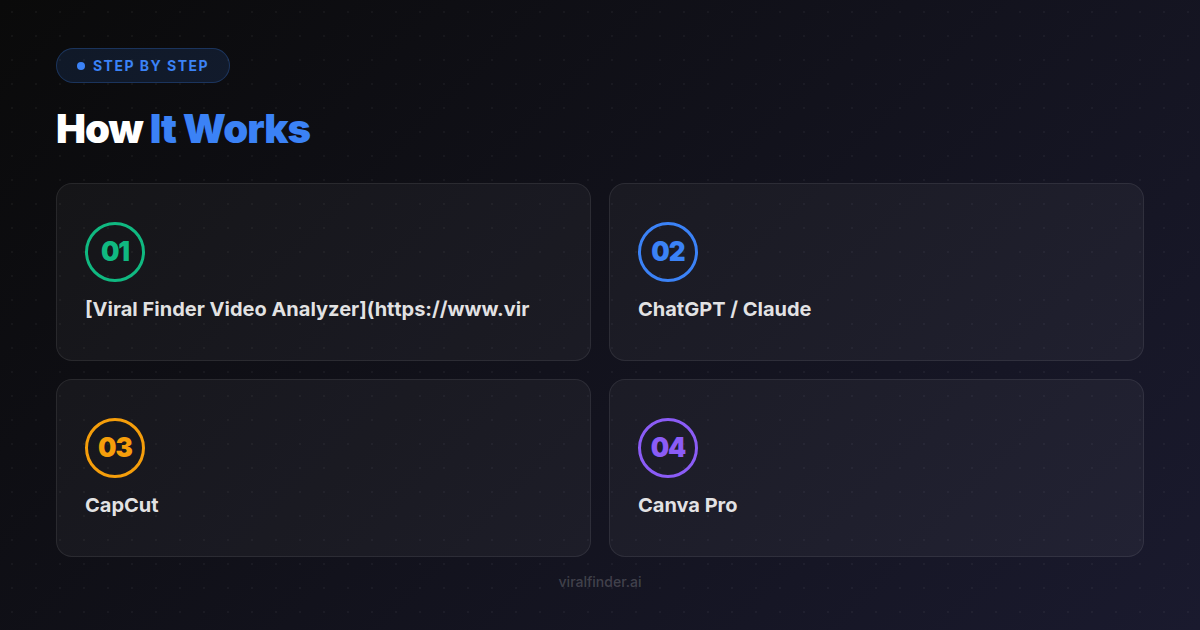
- Viral Finder Video Analyzer — Analyze videos before posting
- ChatGPT / Claude — Writing, ideas, research
- CapCut — Editing with auto-captions
Cost: Free (or nearly free) Time saved: 5-10 hours/week
Tier 2: Level Up
- Canva Pro — Thumbnails and graphics
- Descript — Advanced editing
- Eleven Labs — Voiceovers
Cost: ~$50/month total Time saved: 10-15 hours/week
Tier 3: Pro Setup
- Midjourney — Custom visuals
- Adobe Podcast — Audio enhancement
- VidIQ/TubeBuddy — YouTube optimization
- Zapier — Automation
Cost: ~$100-150/month total Time saved: 15-20+ hours/week
How to Choose the Right Tools {#how-to-choose}
Ask These Questions:
1. What's your biggest time sink? Focus AI on whatever takes the most time. For most creators, it's editing or writing.
2. What skill do you lack? AI can supplement weaknesses. Bad at thumbnails? Use AI image tools. Struggle with hooks? Use analysis tools.
3. What's your budget? Start with free tools. Only pay when you've proven the value.
4. Does it integrate? Tools that work together save more time than disconnected ones.
Red Flags to Avoid:
- ❌ Tools that promise "instant virality"
- ❌ Lifetime deals on rapidly-changing AI
- ❌ Tools without free trials
- ❌ Overly complex setups
Green Flags to Look For:
- ✅ Free tier to test
- ✅ Active development/updates
- ✅ Clear use case
- ✅ Integrates with your existing workflow
Common AI Tool Mistakes {#common-mistakes}
Mistake #1: Using AI for Everything
AI should augment your creativity, not replace it.
The issue: Content that's 100% AI-generated feels generic. Audiences sense when there's no human behind it.
The fix: Use AI for ideation, first drafts, and editing — but add your voice, perspective, and personality.
Mistake #2: Not Editing AI Output
The issue: AI makes mistakes. It hallucinates facts. It produces generic copy.
The fix: Always review and edit. AI gets you 70% there faster; the last 30% is on you.
Mistake #3: Tool Overload
The issue: 15 subscriptions, none used effectively.
The fix: Master 3-4 tools before adding more. Depth > breadth.
Mistake #4: Skipping the Learning Curve
The issue: Getting frustrated with AI tools because you don't know how to prompt properly.
The fix: Invest 2-3 hours learning prompt engineering. It 10x's your results.
Mistake #5: Not Measuring Impact
The issue: Paying for tools without knowing if they help.
The fix: Track time saved. Track quality improvement. Cut tools that don't deliver.
The Future of AI for Creators {#future}
Here's what's coming (and some of it is already here):
Near-Term (2026)
- AI that edits based on voice commands
- Auto-generation of shorts from long videos
- Real-time trend adaptation
- Personalized content optimization
Medium-Term (2026-2027)
- AI collaborators with memory and context
- Full video generation from text
- Audience simulation (test before posting)
- Cross-platform optimization engines
The Implication
The gap between AI users and non-users will widen.
Creators using AI will produce more content, better optimized, with less effort. Those who don't will compete at a disadvantage.
This doesn't mean AI replaces creativity. It means AI handles the tedious parts so you can focus on what matters: connecting with your audience.
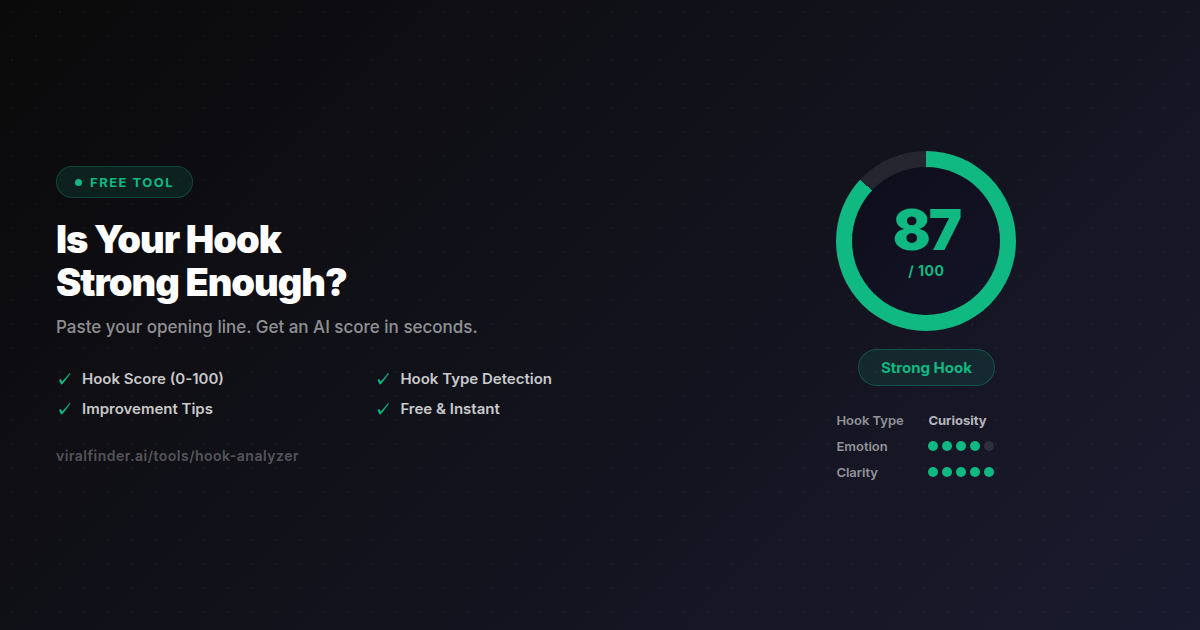
Start Here
If you're new to AI tools, start with video analysis.
Viral Finder's Video Analyzer lets you:
- Upload any video
- Get AI-powered feedback
- See viral potential score
- Get specific improvements
- Free, no signup required
It takes 30 seconds and might change how you think about your content.
🛠️ Analyze Your Videos with AI
Video Analyzer — The AI tool built specifically for content creators.
📚 Related Posts
- How to Go Viral: Reverse-Engineering 100 Viral TikToks
- TikTok Algorithm 2026: What Actually Matters
- Video Retention Rate: The Metric That Predicts Virality
Share this article:
Get weekly viral content tips
Join creators who use data to grow faster. Free tips, strategies, and insights in your inbox.
No spam. Unsubscribe anytime.
How viral is your video?
Paste a TikTok, YouTube, or Instagram link and get an AI viral score 0-100 — with detailed feedback on hook, pacing, and engagement. Free, no signup.
Analyze my video →Try our other free tools