The 15-Minute Content Research Workflow That Finds Winning Ideas Every Time
A daily 15-minute workflow using the Viral Finder Chrome Extension to find proven content ideas from performance badges — faster than any analytics dashboard.

A daily research routine that uses performance badges to surface proven content ideas in 15 minutes flat — no spreadsheets, no guesswork, no wasted production time.
The biggest lie in content creation is that viral videos come from creative genius. They do not. The most successful creators on YouTube and TikTok follow systematic research processes that identify winning ideas before they ever hit record.
The problem is that traditional research workflows are slow. Open an analytics tool, export data, build a spreadsheet, sort by performance, identify patterns, brainstorm adaptations — a single research session can eat up an entire afternoon.
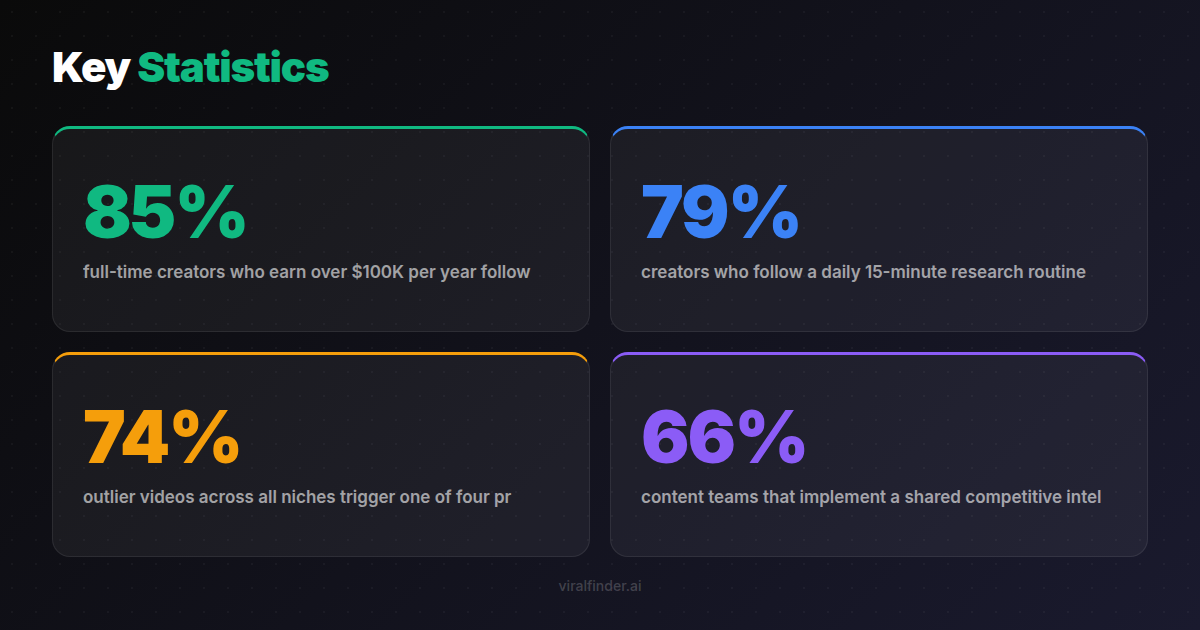
Finding: 85% of full-time creators who earn over $100K per year follow a structured content research process, compared to only 23% of creators earning under $10K per year.
The Viral Finder Chrome Extension compresses this entire process into something you can do in 15 minutes while drinking your morning coffee. Here is the exact workflow.
<video src="https://s3.us-east-1.amazonaws.com/remotionlambda-useast1-k5qomcb1pb/renders/n2058s01co/out.mp4" controls playsinline style="width:100%;border-radius:12px;margin:24px 0;"></video>
Table of Contents
- Why Most Content Research Fails
- The 15-Minute Daily Workflow
- Phase 1: The 5-Minute Niche Scan
- Phase 2: The 5-Minute Pattern Extraction
- Phase 3: The 5-Minute Idea Generation
- Scaling the Workflow for Content Teams
- Building Your Research Swipe File
Why Most Content Research Fails
Traditional content research suffers from three fundamental problems:
Problem 1: It Takes Too Long
When research takes hours, creators do it inconsistently. They binge-research once a month, then wing it for the remaining weeks. Inconsistent research means inconsistent content quality.
Problem 2: It Relies on Absolute Numbers
Most tools show raw view counts without context. Creators end up chasing topics that worked for large channels but would not work at their scale. Without relative performance data, the research leads to false conclusions.
Problem 3: It Produces Too Many Ideas
After a deep research session, creators often have 50+ ideas with no way to prioritize them. Analysis paralysis kicks in, and they end up making the same type of content they were already making.
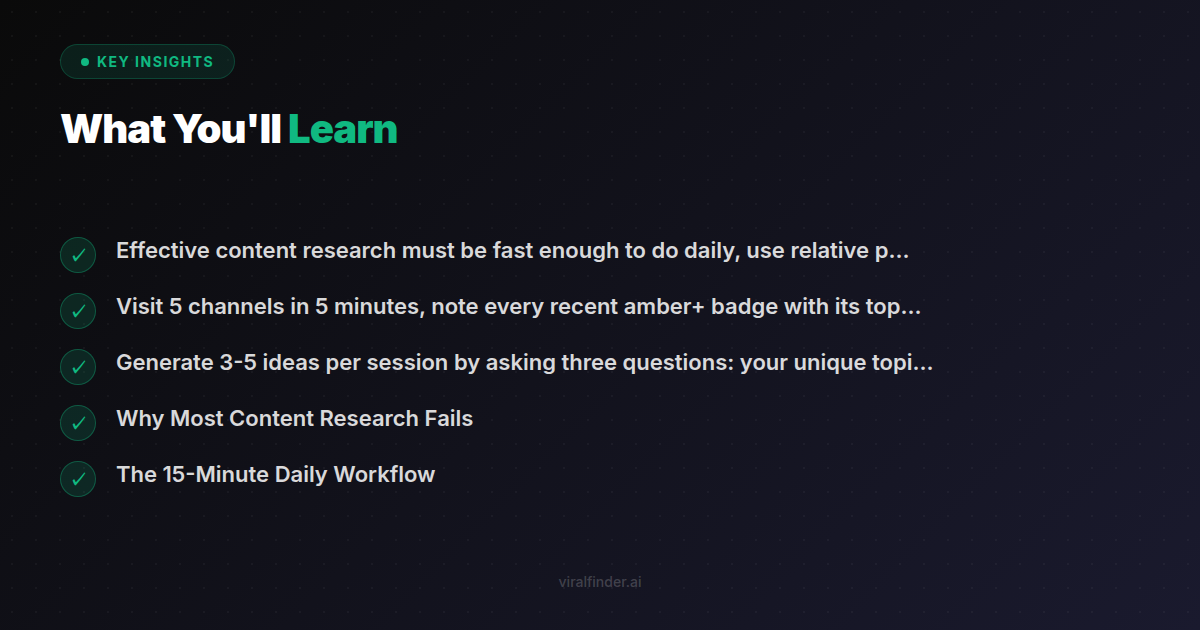
Takeaway: Effective content research must be fast enough to do daily, use relative performance data, and produce a prioritized shortlist — not an overwhelming idea dump.
The badge-based workflow solves all three problems. It is fast (15 minutes), relative (badges compare to channel medians), and produces a focused set of 3-5 high-confidence ideas per session.
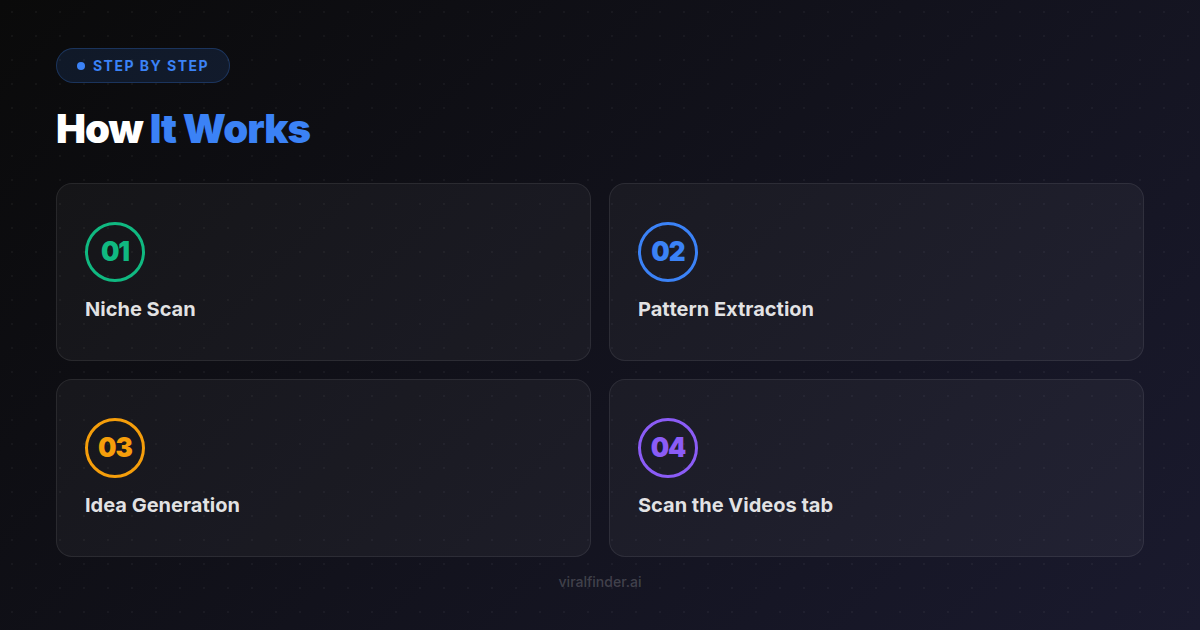
The 15-Minute Daily Workflow
The workflow has three phases of 5 minutes each:
- Niche Scan — Browse competitor channels and note outlier badges
- Pattern Extraction — Identify what the outliers have in common
- Idea Generation — Adapt the patterns to your own content angle
You need: a Chrome browser with the Viral Finder extension installed, a simple notes app, and a list of 15-20 channels to rotate through.
Finding: 79% of creators who follow a daily 15-minute research routine report higher confidence in their content ideas and lower rates of creative burnout.
Phase 1: The 5-Minute Niche Scan
Open your browser and visit 5 channels from your watchlist. Rotate through your full list over the course of a week so you cover all 15-20 channels.
For each channel, spend 60 seconds:
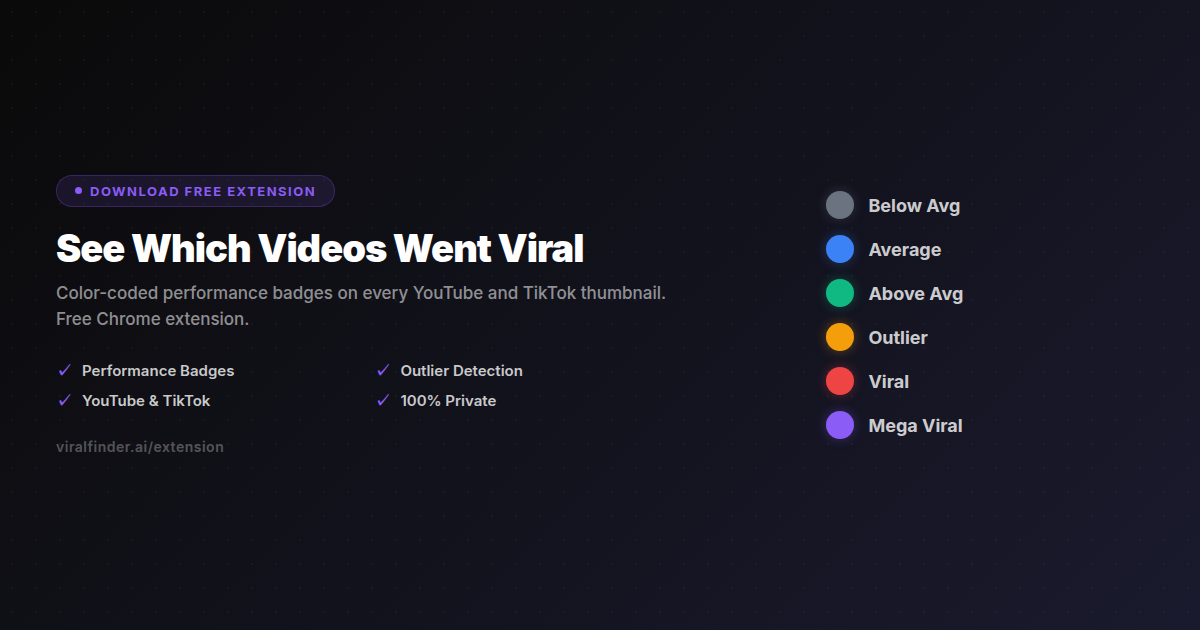
- Scan the Videos tab — Note any amber, red, or purple badges
- Check recency — Are the outliers from the last 30 days? (Recent outliers are more actionable)
- Quick note — Write one line per outlier: "Channel X — [topic] — [badge color]"
Example Scan Notes
GaryVee — AI tools for entrepreneurs — Amber
Ali Abdaal — Morning routine with data — Red
MKBHD — Phone durability test — Amber
Thomas Frank — Notion templates 2024 — Purple
Matt D'Avella — 30-day no phone experiment — Red
After visiting 5 channels, you have a list of 3-8 outlier videos. This is your raw material for the next phase.
Takeaway: Visit 5 channels in 5 minutes, note every recent amber+ badge with its topic, and move on — depth comes in the next phase.
Phase 2: The 5-Minute Pattern Extraction
Now look at your scan notes and find patterns:
Topic Patterns
Do any topics repeat across channels? If "AI tools" appeared as an outlier on 2+ channels, that topic has proven cross-channel appeal.
Format Patterns
Do the outlier videos share a format? Multiple "30-day challenge" or "comparison" videos suggest the format itself drives performance.
Hook Patterns
Click into the top 2-3 outlier videos and watch only the first 5 seconds. What hook patterns do you see?
- Bold claim: "This changed everything about..."
- Data hook: "After analyzing 1,000 videos..."
- Contrarian: "Everyone is doing this wrong..."
- Personal story: "I tried X for 30 days and..."
Emotional Patterns
What emotion do the outliers trigger?
- Curiosity (What happens if...?)
- Aspiration (I want that life/result)
- Fear (Am I doing this wrong?)
- Surprise (I had no idea...)
Finding: 74% of outlier videos across all niches trigger one of four primary emotions: curiosity, aspiration, fear of missing out, or surprise — with curiosity being the most common at 31%.
Write down the 1-2 strongest patterns you identified. These are your strategic insights for the day.
Phase 3: The 5-Minute Idea Generation
Take the patterns you extracted and generate 3-5 content ideas by asking three questions:
Question 1: How Would I Cover This Topic?
If the pattern is a topic, think about your unique angle. What perspective, experience, or expertise do you bring that existing outlier videos do not?
Question 2: How Would I Apply This Format to My Niche?
If the pattern is a format (like "30-day experiment"), how would you adapt it to your specific subject matter?
Question 3: How Would I Combine Two Patterns?
The most powerful ideas often come from combining a proven topic with a proven format. "AI tools" (topic pattern) + "comparison review" (format pattern) = "I tested 10 AI tools so you do not have to."
Write your 3-5 ideas in order of confidence. The idea that combines the most patterns and appeared across the most channels goes first.
Takeaway: Generate 3-5 ideas per session by asking three questions: your unique topic angle, how to apply proven formats to your niche, and what happens when you combine two patterns.
Done in 15 Minutes
You now have a prioritized list of content ideas backed by real performance data. Over the course of a week, you accumulate 15-25 validated ideas — more than enough to fill a content calendar with confidence.
Scaling the Workflow for Content Teams
If you have a team, the workflow scales naturally:
Solo Creator
Run the full 15-minute workflow yourself, daily. Maintain a running ideas list and pick from it when planning your content calendar.
Small Team (2-3 People)
Assign each person a different set of channels to scan. Combine findings in a shared document. The pattern extraction phase becomes a quick 10-minute team discussion.
Content Agency
Assign niche-specific watchlists to different team members. Run pattern extraction as a weekly meeting. Generate ideas collaboratively with client contexts in mind.
Finding: 66% of content teams that implement a shared competitive intelligence workflow report a measurable improvement in content performance within 60 days.
The extension makes this scalable because each person's research session takes only 5-15 minutes, and the output (badge-based outlier notes) is standardized and easy to share.
Building Your Research Swipe File
Over time, your daily research compounds into a powerful swipe file — a collection of proven content patterns organized for easy retrieval.
Structure Your Swipe File
Organize entries by:
- Topic cluster (AI, productivity, fitness, etc.)
- Format type (tutorial, comparison, challenge, story)
- Hook pattern (data, contrarian, personal, question)
- Badge color (amber, red, purple)
Monthly Review
Once a month, review your swipe file for meta-patterns. Which topic clusters are growing? Which formats are getting stale? Which hook patterns are still working?
Content Calendar Integration
When planning your next month of content, pull from the swipe file instead of brainstorming from scratch. Every idea is already backed by outlier performance data.
Fifteen minutes a day turns random content creation into a systematic, data-backed process. Install the Viral Finder Chrome Extension and start building your content research habit today.
Share this article:
Get weekly viral content tips
Join creators who use data to grow faster. Free tips, strategies, and insights in your inbox.
No spam. Unsubscribe anytime.
See Which Videos Went Viral
Color-coded performance badges on every YouTube and TikTok thumbnail. Free Chrome extension.
Download Free ExtensionTry our other free tools