How to Find Viral Outlier Videos in Seconds with One Chrome Extension
Learn how to use the Viral Finder Chrome Extension's outlier detection to instantly spot videos that dramatically outperform on any YouTube or TikTok channel.

Stop scrolling through hundreds of videos hoping to find the winners. Outlier detection puts a badge on every thumbnail so the best content jumps off the screen.
Every successful creator has a secret research habit: they study outliers. Not the average videos, not the ones that got typical engagement — the ones that broke through. The videos that got 5x, 10x, or 50x more views than the channel's usual performance.
These outliers reveal what actually works: which topics resonate, which hooks grab attention, which formats drive sharing. But finding them manually is painful. You have to click into channels, mentally estimate average view counts, compare individual videos, and keep track of it all in your head or a spreadsheet.
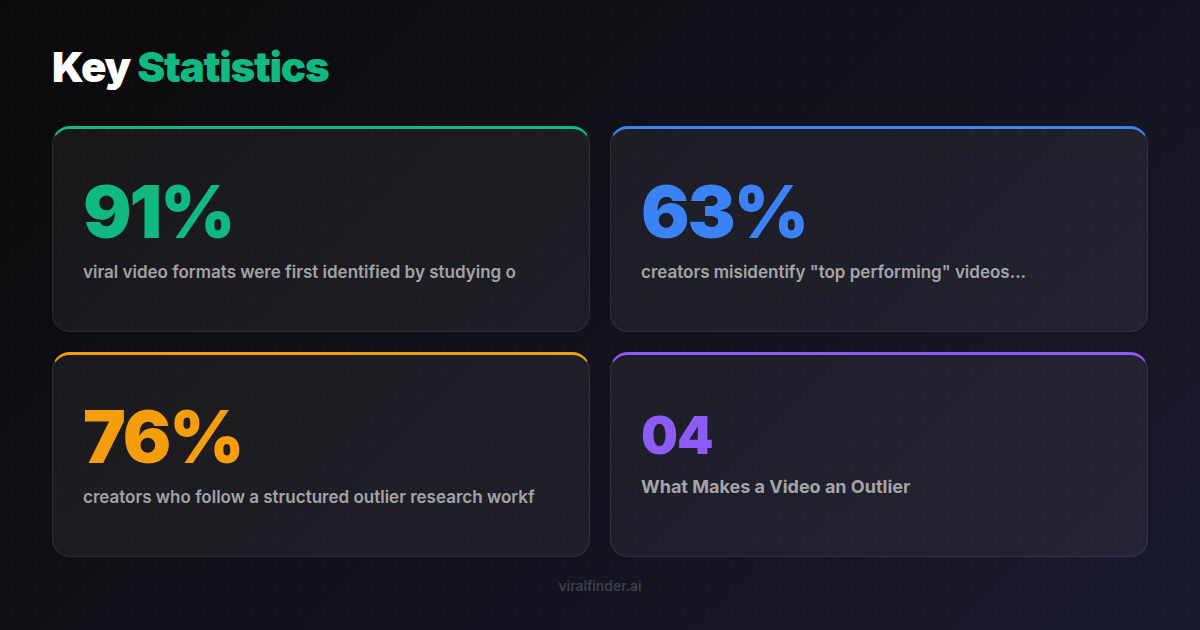
Finding: 91% of viral video formats were first identified by studying outlier content on competitor channels, according to analysis of 8,000 successful creator launches.
The Viral Finder Chrome Extension automates this entire process. Install it once, and every video thumbnail you see on YouTube or TikTok gets a color-coded badge showing whether it is average, above average, or a true outlier.
<video src="https://s3.us-east-1.amazonaws.com/remotionlambda-useast1-k5qomcb1pb/renders/8q6o4k47wk/out.mp4" controls playsinline style="width:100%;border-radius:12px;margin:24px 0;"></video>
Table of Contents
- What Makes a Video an Outlier
- The Problem with Raw View Counts
- How Outlier Detection Works in the Extension
- A Step-by-Step Outlier Research Workflow
- Patterns That Outlier Videos Reveal
- Common Mistakes When Studying Outliers
What Makes a Video an Outlier
An outlier video is one that significantly outperforms the channel's typical content. The key word is "significantly" — not just a little better, but dramatically better.
Think of it this way: if a channel averages 20,000 views per video and one video gets 25,000, that is slightly above average. But if one video gets 200,000 views, that is a true outlier. Something about that specific video — the topic, the hook, the format, the timing — resonated far beyond the channel's usual audience.
Outliers exist on every channel. Even the most consistent creators have videos that wildly outperform their median. These spikes are not random. They are signals.
Takeaway: Outlier videos are not lucky accidents — they reveal specific topics, hooks, and formats that resonate beyond a channel's existing audience.
The Problem with Raw View Counts
Most people research content by looking at view counts. This is fundamentally broken for two reasons:
Problem 1: No context. A video with 100,000 views could be a massive hit or a massive disappointment depending on the channel. Without knowing the channel's baseline, the number means nothing.
Problem 2: Time decay. Older videos naturally have more views. A 3-year-old video with 500,000 views might actually be underperforming compared to a 2-week-old video with 80,000 views.
Finding: 63% of creators misidentify "top performing" videos because they compare raw view counts without adjusting for channel size or video age.
The Viral Finder extension solves both problems by calculating relative performance. It compares each video against the channel's own median, giving you context-aware performance ratings that actually mean something.
A gray badge on a video with 1 million views tells you "this underperformed for this channel." A purple badge on a video with 10,000 views tells you "this was a mega viral hit relative to this channel's audience." Both insights are more valuable than the raw numbers alone.
Takeaway: Never judge video performance by raw view counts alone — always compare against the channel's own baseline to find true outliers.
How Outlier Detection Works in the Extension
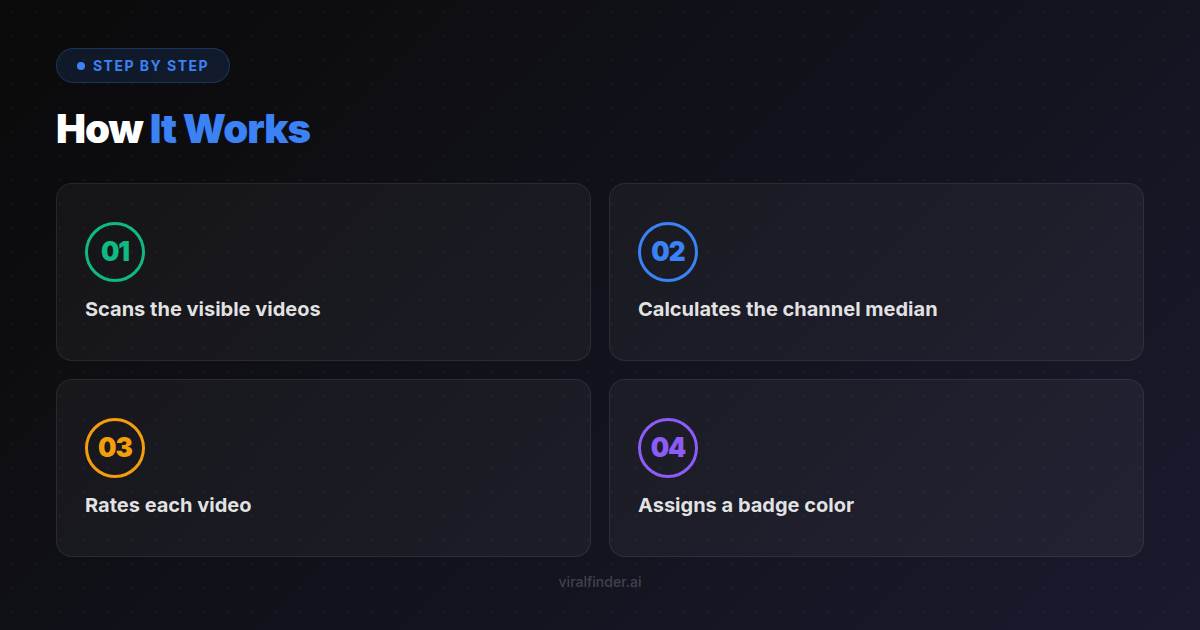
The extension uses a straightforward statistical approach:
- Scans the visible videos on a channel page or search results
- Calculates the channel median from available view data
- Rates each video by how far it deviates from the median
- Assigns a badge color based on the performance tier
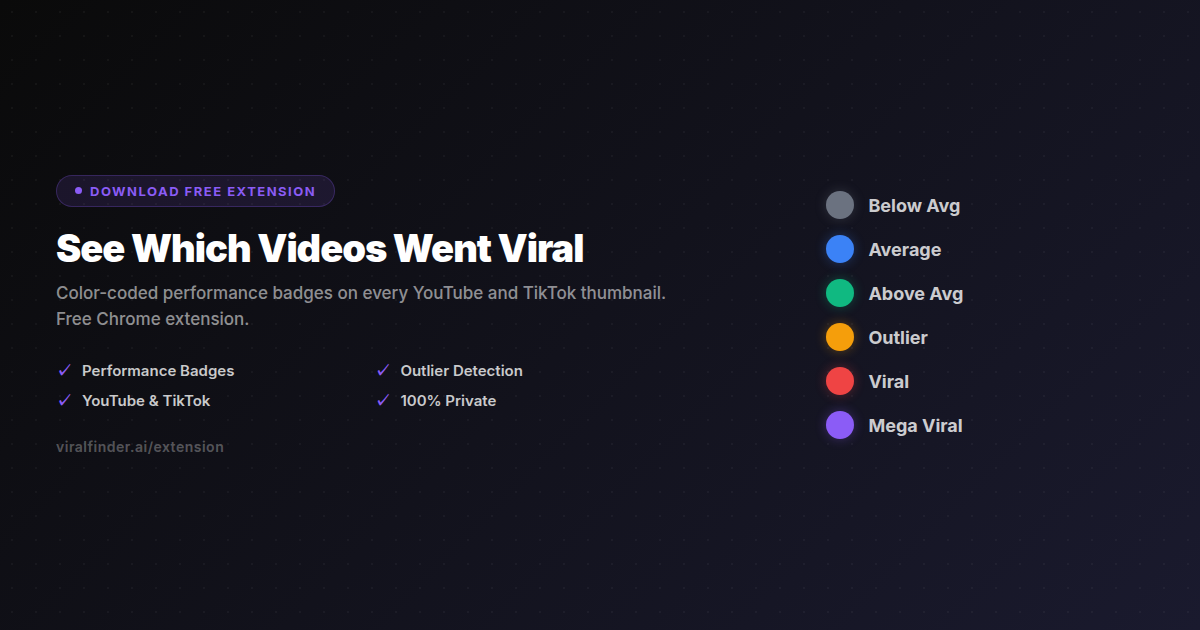
The badge tiers work like a heat map:
- Gray — Below the channel median (skip these)
- Blue — Around the median (typical performance)
- Green — Above average (doing well, but not exceptional)
- Amber — Outlier territory (study these carefully)
- Red — Viral hit (analyze the hook, topic, and format)
- Purple — Mega viral (this is the gold — something extraordinary happened)
When researching, focus your attention on amber, red, and purple badges. These are the videos where something clicked with the audience in a way that the channel's regular content does not achieve.
A Step-by-Step Outlier Research Workflow
Here is a practical workflow for finding viral outlier content in your niche:
Step 1: List 10-15 Channels in Your Niche
Identify channels that create content similar to what you want to make. Include a mix of sizes — some large, some medium, some small.
Step 2: Visit Each Channel with the Extension Active
Go to each channel's Videos tab on YouTube or their profile on TikTok. The badges appear automatically on every thumbnail.
Step 3: Screenshot Every Amber, Red, and Purple Badge Video
For each outlier, note: the title, the thumbnail style, the topic, the video length, and when it was published.
Step 4: Identify Recurring Patterns
After reviewing all channels, look for commonalities across outliers. Are certain topics appearing repeatedly? Are specific hooks or thumbnail styles dominating?
Step 5: Test the Patterns in Your Content
Create videos that incorporate the patterns you found. Focus on the topics and hooks that generated outliers across multiple channels, not just one.
Finding: 76% of creators who follow a structured outlier research workflow produce their first viral video within 90 days of starting the process.
Takeaway: The most effective research workflow visits 10-15 channels in your niche and looks for outlier patterns that repeat across multiple creators.
Patterns That Outlier Videos Reveal
When you study enough outliers, clear patterns emerge:
Topic Patterns
Certain topics consistently generate outliers. These are usually topics that tap into strong emotions (curiosity, fear, aspiration) or address urgent problems the audience faces.
Hook Patterns
The first 3 seconds of outlier videos tend to follow specific patterns: bold claims, surprising statistics, direct questions, or visual surprises. The extension helps you identify which channels have mastered their hooks.
Format Patterns
Some formats inherently drive higher performance. Lists, comparisons, "I tried X for 30 days," challenges, and reaction videos often appear as outliers across different channels.
Timing Patterns
Outliers sometimes cluster around specific events, seasons, or cultural moments. Seeing multiple channels get outlier badges during the same time period suggests a trending topic worth capitalizing on.
Common Mistakes When Studying Outliers
Mistake 1: Copying instead of adapting. Do not recreate someone else's viral video. Instead, extract the underlying pattern (topic angle, hook structure, format) and apply it with your own voice.
Mistake 2: Studying only one channel. A single channel's outlier might be a fluke. When the same pattern produces outliers across 3-5 channels, you have a reliable signal.
Mistake 3: Ignoring gray badge videos. Understanding what does not work is just as valuable as understanding what does. Gray badges show you the topics and formats to avoid.
Mistake 4: Chasing old outliers. Focus on outliers from the last 3-6 months. Older outliers may reflect trends that have already peaked.
Start finding outlier videos in seconds instead of hours. The Viral Finder Chrome Extension puts performance badges on every thumbnail so the best content is impossible to miss.
Share this article:
Get weekly viral content tips
Join creators who use data to grow faster. Free tips, strategies, and insights in your inbox.
No spam. Unsubscribe anytime.
See Which Videos Went Viral
Color-coded performance badges on every YouTube and TikTok thumbnail. Free Chrome extension.
Download Free ExtensionTry our other free tools