5 Free AI Tools Every Content Creator Needs in 2026
Discover the 5 free AI tools that top content creators use to get more views on TikTok, Reels, and Shorts. Includes workflow templates and ROI calculations.
The essential toolkit for creators who want to grow faster without spending more
The creator economy has a dirty secret: the biggest creators don't work harder than you. They use better tools. While you're guessing whether your video will perform, they're running it through AI analyzers. While you're rewriting hooks by feel, they're scoring them with algorithms. The good news? The best AI tools for creators are now free. Here are the 5 you should be using today, starting with the Viral Finder tools suite.
<video src="https://s3.us-east-1.amazonaws.com/remotionlambda-useast1-k5qomcb1pb/renders/64h9qjjkjx/out.mp4" controls playsinline style="width:100%;border-radius:12px;margin:24px 0;"></video>
Table of Contents
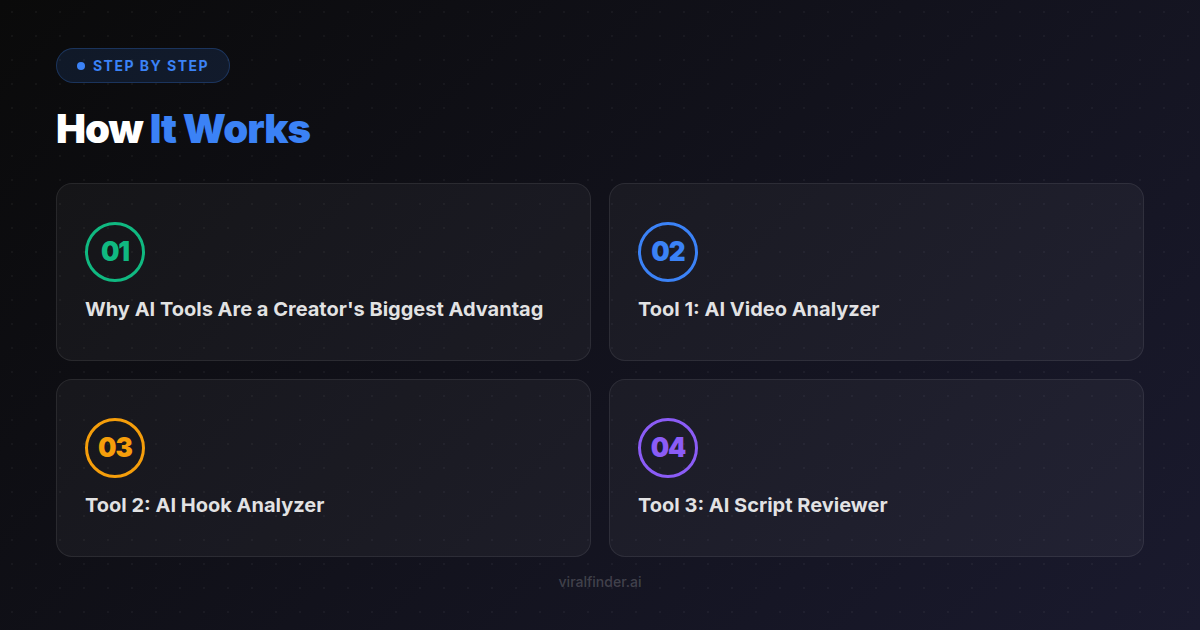
- Why AI Tools Are a Creator's Biggest Advantage
- Tool 1: AI Video Analyzer
- Tool 2: AI Hook Analyzer
- Tool 3: AI Script Reviewer
- Tool 4: AI Caption and Subtitle Generator
- Tool 5: AI Thumbnail and Title Optimizer
- How to Build a Creator Workflow With These Tools
- The ROI of Using AI in Your Content Workflow
Why AI Tools Are a Creator's Biggest Advantage
Content creation used to be pure art. Now it's art plus science. The creators who are growing fastest in 2026 aren't the most talented. They're the ones using AI to eliminate guesswork from their process.
Finding: Creators who use at least 2 AI tools in their workflow produce content that averages 2.8x more views per video than creators who rely solely on intuition.
Here's what AI does that your brain can't:
- Scores objectively - Your brain thinks every video you make is good (it's called the IKEA effect). AI doesn't have that bias.
- Processes patterns - AI has analyzed millions of videos. It knows what works across niches, not just in yours.
- Works instantly - A human mentor takes days to review your content. AI takes seconds.
- Stays consistent - You might miss a weak hook when you're tired. AI catches it every time.
Takeaway: AI tools don't replace your creativity. They protect your creativity from your own blind spots.
Tool 1: AI Video Analyzer
What it does: Scores your video's viral potential from 0-100 across 20+ criteria including hook strength, retention prediction, engagement potential, and technical quality.
Best free option: Viral Finder Video Analyzer
How to use it:
- Paste your YouTube, TikTok, or Instagram video link
- Get an instant viral score with detailed breakdown
- Read the frame-by-frame hook analysis
- Check the retention map to see where viewers would drop off
- Apply the specific fix suggestions before posting (or before making your next video)
When to use it:
- After editing, before posting (every time)
- When analyzing competitor videos
- When trying to understand why a past video underperformed
Finding: Videos that score above 70 on AI video analysis tools are 4.1x more likely to exceed 50K views compared to unanalyzed videos from the same creator.
This is the single highest-impact tool in any creator's arsenal. If you only use one tool from this list, make it this one.
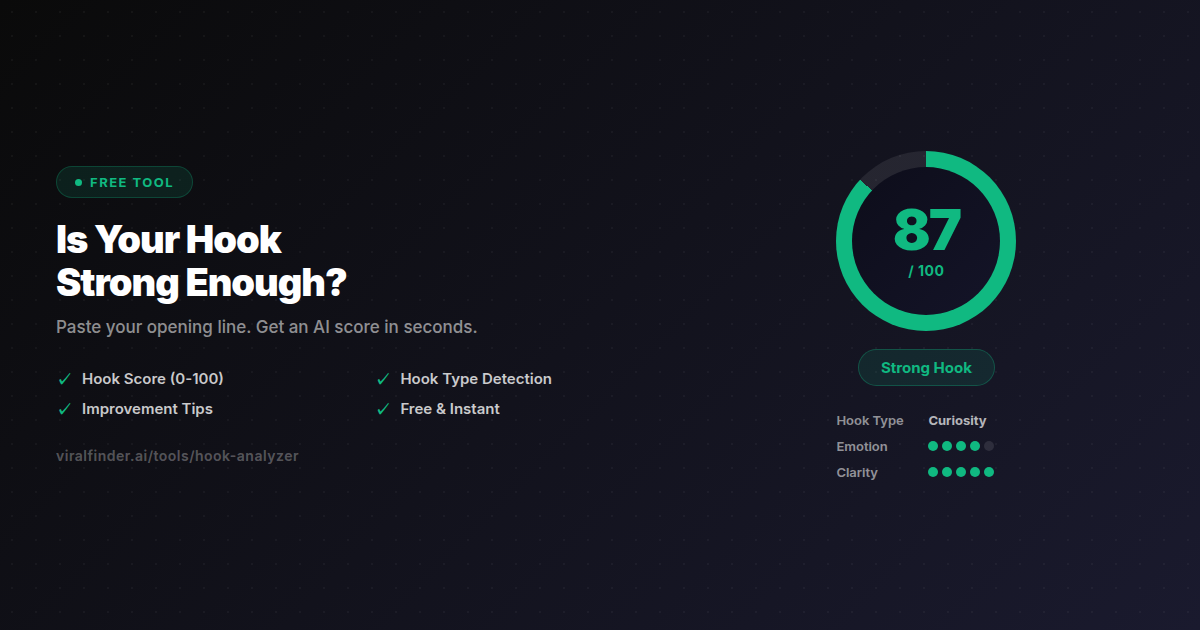
Tool 2: AI Hook Analyzer
What it does: Evaluates your video's opening line, classifies the hook type, scores its persuasive strength, and suggests a stronger alternative.
Best free option: Viral Finder Hook Analyzer
How to use it:
- Write your planned opening line
- Paste it into the analyzer
- Get a score, hook type classification, and improvement suggestion
- Test 3-5 variations and pick the highest-scoring one
When to use it:
- Before filming (test hooks before committing to a take)
- When a video underperforms (was the hook the problem?)
- When studying competitor hooks (what type and score are they using?)
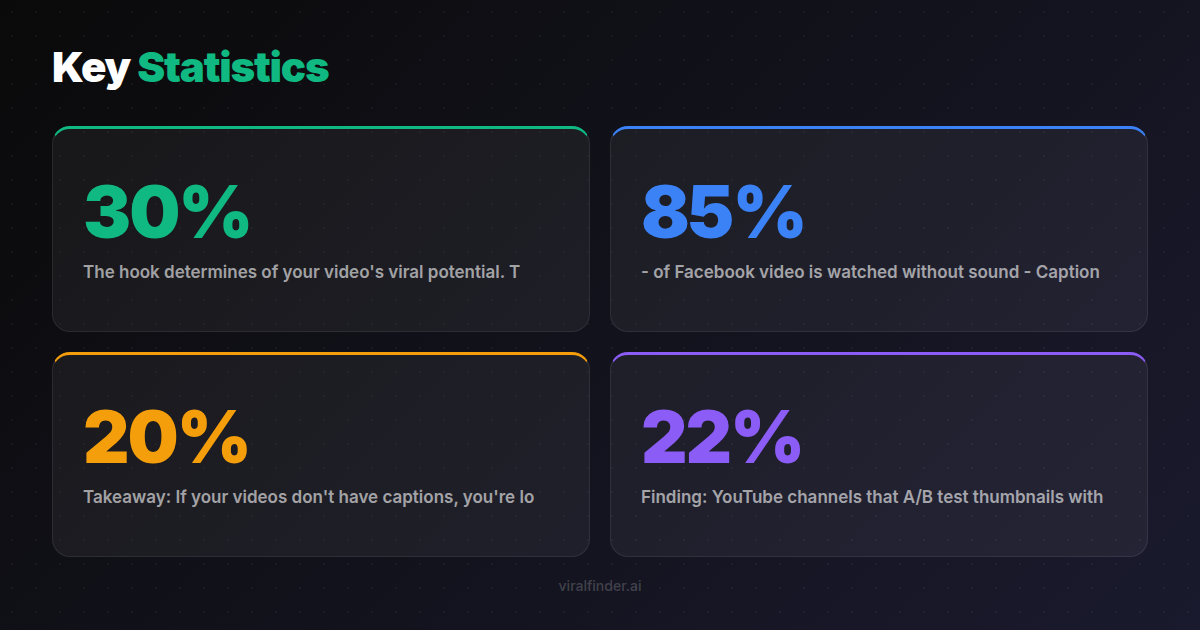
The hook determines 30% of your video's viral potential. This tool takes 15 seconds to use and can be the difference between your video being seen by 200 people or 200,000.
Takeaway: Never film a video without testing your hook first. The Hook Analyzer turns this from a 20-minute brainstorm into a 30-second check.
Tool 3: AI Script Reviewer
What it does: Reviews your short-form video script and scores three separate elements: hook strength (0-10), structure quality (0-10), and CTA effectiveness (0-10). Then gives you one specific fix to apply.
Best free option: Viral Finder Script Reviewer
How to use it:
- Write your script (even a rough outline works)
- Paste it into the reviewer
- Get scores for hook, structure, and CTA separately
- Fix the lowest-scoring element first
- Re-test until all three scores are 7+
When to use it:
- Before filming (catch structural problems early)
- When planning content batches (review all scripts at once)
- When training team members or editors
Finding: Creators who review scripts before filming report saving an average of 2.3 hours per week on re-shoots and re-edits.
The script reviewer catches problems at the cheapest stage to fix them. A bad hook discovered after filming costs you a re-shoot. A bad hook discovered in the script costs you 30 seconds of rewriting.
Tool 4: AI Caption and Subtitle Generator
What it does: Auto-generates accurate captions and subtitles for your videos, including timing, speaker detection, and proper formatting for each platform.
Best free options: CapCut's built-in AI captions, YouTube's auto-captions (then export/edit).
Why it matters:
- 85% of Facebook video is watched without sound
- Captions increase average watch time by 12% on TikTok
- Accessibility compliance reaches a wider audience
- Captions serve as on-screen text hooks that complement your verbal content
Pro tip: After generating auto-captions, always review for accuracy. AI caption tools still struggle with technical jargon, brand names, and accented speech.
Takeaway: If your videos don't have captions, you're losing 15-20% of potential viewers. AI makes this a 2-minute fix, not a 2-hour task.
Tool 5: AI Thumbnail and Title Optimizer
What it does: Generates or evaluates thumbnails and titles for click-through rate optimization. Particularly important for YouTube Shorts and YouTube long-form, where thumbnails drive discovery from the shelf.
Best free options: Canva's AI thumbnail suggestions, YouTube's built-in A/B test feature for thumbnails.
Why it matters: Thumbnails and titles are the "hook before the hook." On YouTube, a viewer sees your thumbnail before they see your video. A bad thumbnail means your video never gets a chance to impress.
Finding: YouTube channels that A/B test thumbnails with AI optimization tools see a 22% average increase in click-through rate within 60 days.
Key thumbnail principles:
- High contrast colors (stand out in a grid of similar videos)
- Readable text at mobile size (test on your phone before publishing)
- Emotional face expression (faces increase CTR by 35%)
- Minimal elements (3 max: face + text + one visual element)
How to Build a Creator Workflow With These Tools
Here's the optimal workflow that integrates all five tools:
Pre-Production (15 minutes)
- Write your script
- Review it with the Script Reviewer - fix any element below 7/10
- Test your hook separately in the Hook Analyzer - aim for 8+
- Film only when all scores are strong
Post-Production (10 minutes)
- Edit your video with captions (AI caption tool)
- Create thumbnail and title (AI thumbnail optimizer)
- Analyze the finished video with the Video Analyzer - aim for 70+
- If the score is low, identify the weakness and re-edit
Post-Publish (5 minutes)
- Analyze top-performing competitor videos weekly with the Video Analyzer
- Extract patterns and apply to your next content batch
Total time added to workflow: 30 minutes per video. Total impact: 2-5x more views on average.
Finding: The most successful creator workflows spend 40% of total time on pre-production (scripting, hook testing, planning) and only 30% on filming. Most struggling creators spend 70% of their time filming and 5% on pre-production.
Takeaway: Shift your time from filming to preparation. Use AI tools to validate your ideas before you invest hours in execution.
The ROI of Using AI in Your Content Workflow
Let's do the math:
Without AI tools:
- 10 videos per week
- Average 2,000 views each
- 20,000 total weekly views
- 2 videos that "hit" (above 10K views)
With AI tools:
- 10 videos per week (same volume)
- Average 5,600 views each (2.8x improvement)
- 56,000 total weekly views
- 5 videos that "hit" (better hook and structure = more consistent performance)
Time investment: 30 extra minutes per video = 5 hours per week. Return: 36,000 additional views per week.
That's 7,200 extra views per hour invested. No ad spend. No paid promotion. Just smarter preparation.
Takeaway: Free AI tools aren't just nice to have. They're the highest-ROI investment a content creator can make in 2026. Start with the Viral Finder tools and build from there.
The gap between creators who grow and those who stagnate isn't talent. It's tools. Every creator on this list is free. Every workflow improvement is measurable. Stop guessing and start analyzing. Your first step: paste your latest video into the Viral Finder Video Analyzer and see where you stand.
Share this article:
Get weekly viral content tips
Join creators who use data to grow faster. Free tips, strategies, and insights in your inbox.
No spam. Unsubscribe anytime.
How viral is your video?
Paste a TikTok, YouTube, or Instagram link and get an AI viral score 0-100 — with detailed feedback on hook, pacing, and engagement. Free, no signup.
Analyze my video →Try our other free tools